
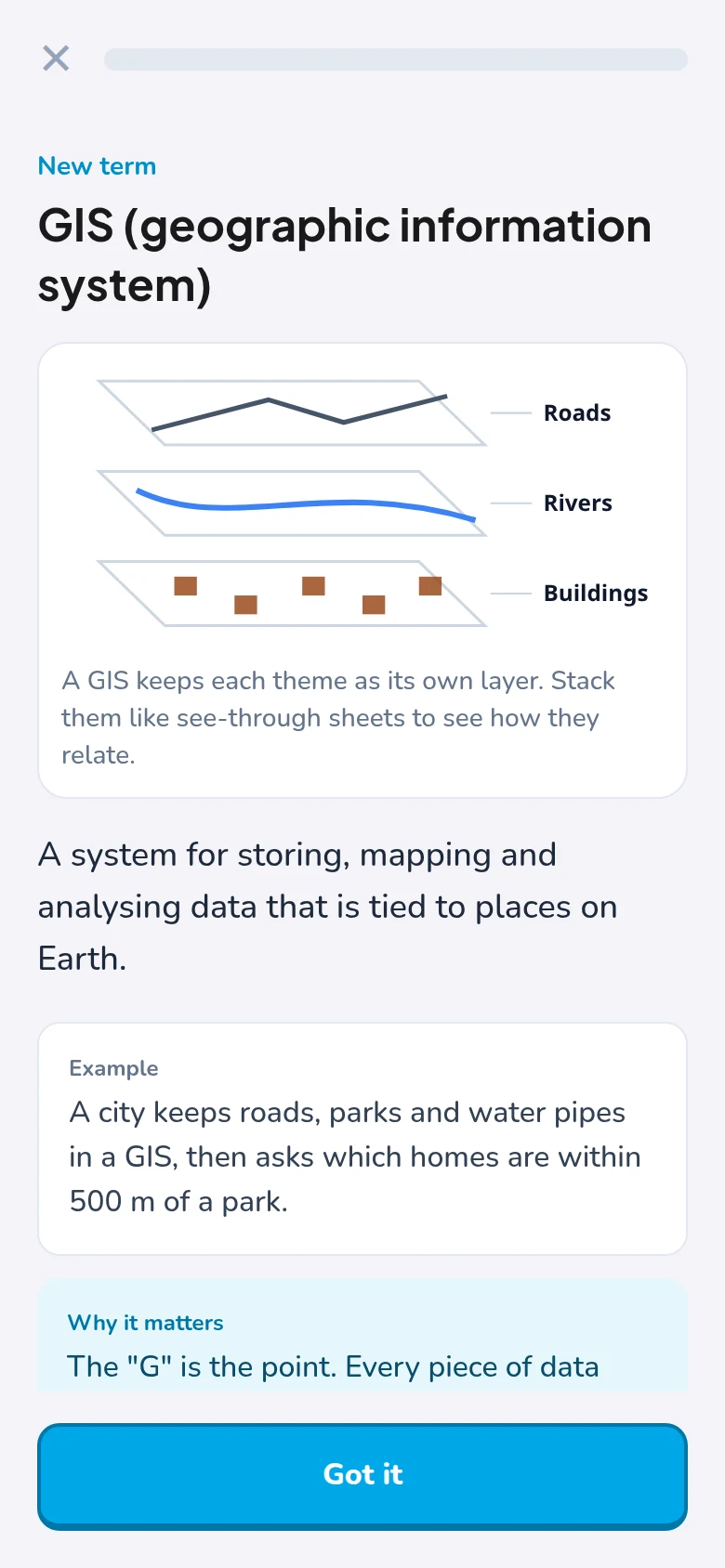
See it
Every new term arrives with a simple diagram, an everyday example, and why it matters.
Start with what a map layer is. Finish reading satellite images like an analyst. A few minutes a day, with a real diagram for every idea.
Facts checked against open sources such as NASA Earthdata, USGS, Copernicus and NOAA. Not affiliated with any of them.
Starts where you are
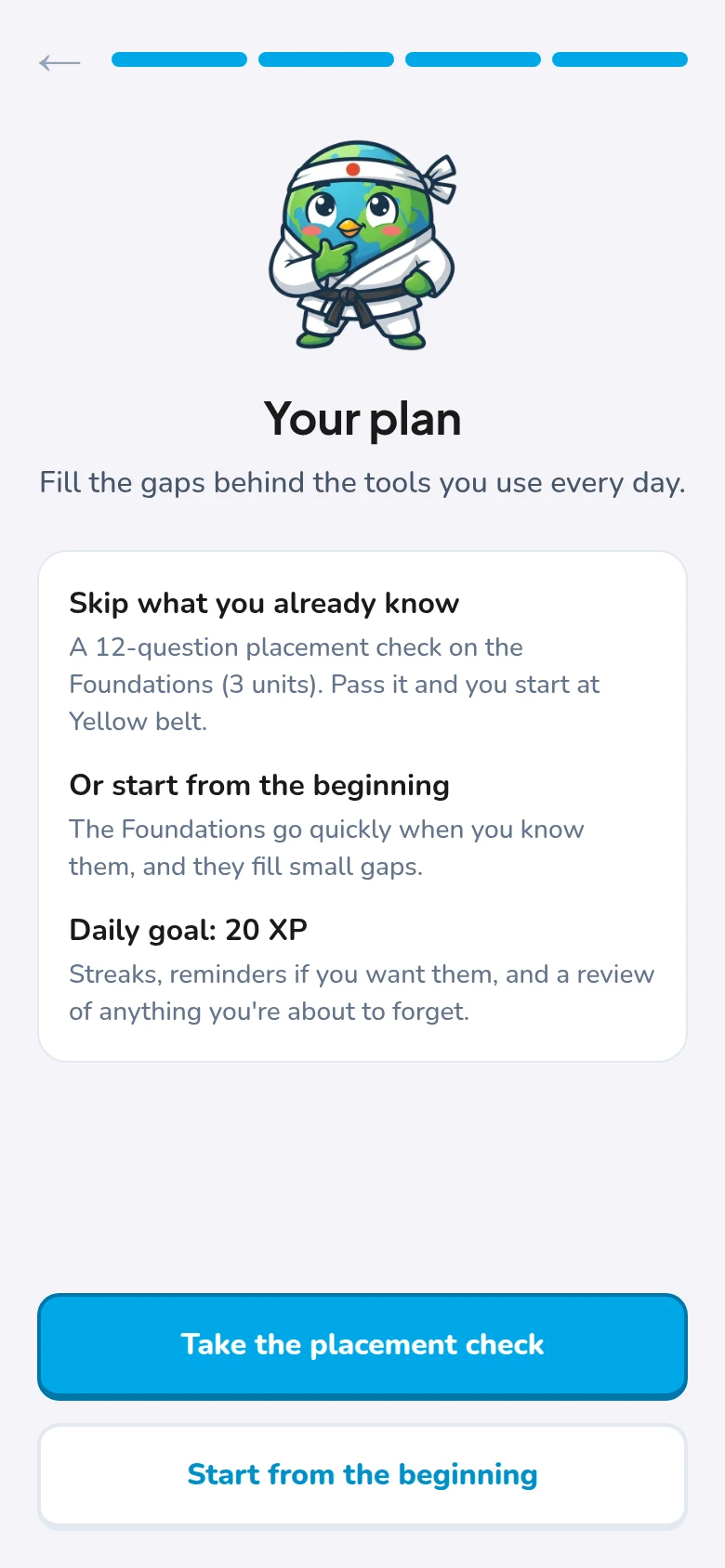
Two quick questions when you open the app, and the path adjusts.
Start at lesson one: what GIS is, what a layer is, how a satellite sees. No jargon until you've met it.
Take a 12-question placement check. Pass it and you skip the Foundations and start where it gets useful.
How it works
Each lesson takes three or four minutes: three new terms, a couple of old ones, and a reason for every answer.
Every new term arrives with a simple diagram, an everyday example, and why it matters.
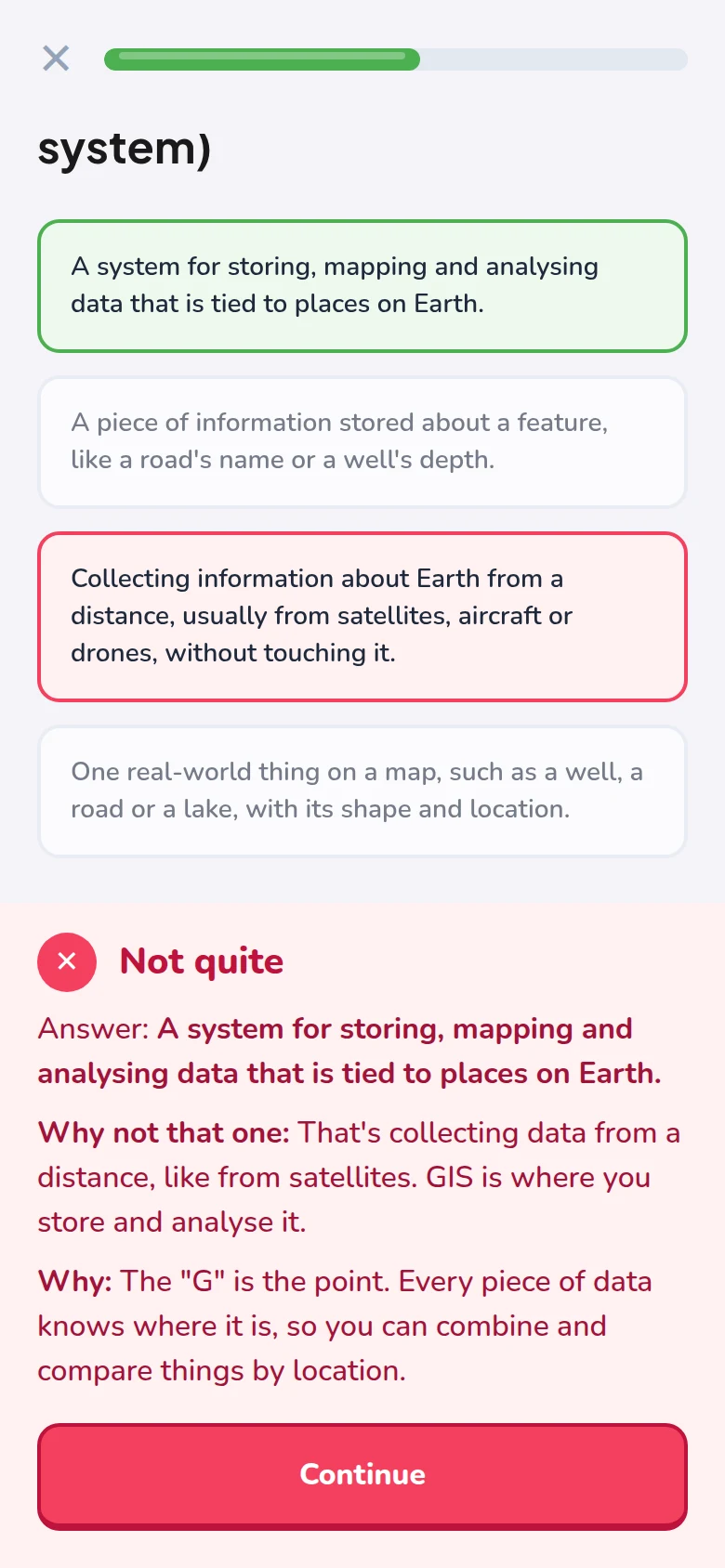
Wrong options are the ones people really mix up, like GIS and remote sensing. Pick one and you're told why.
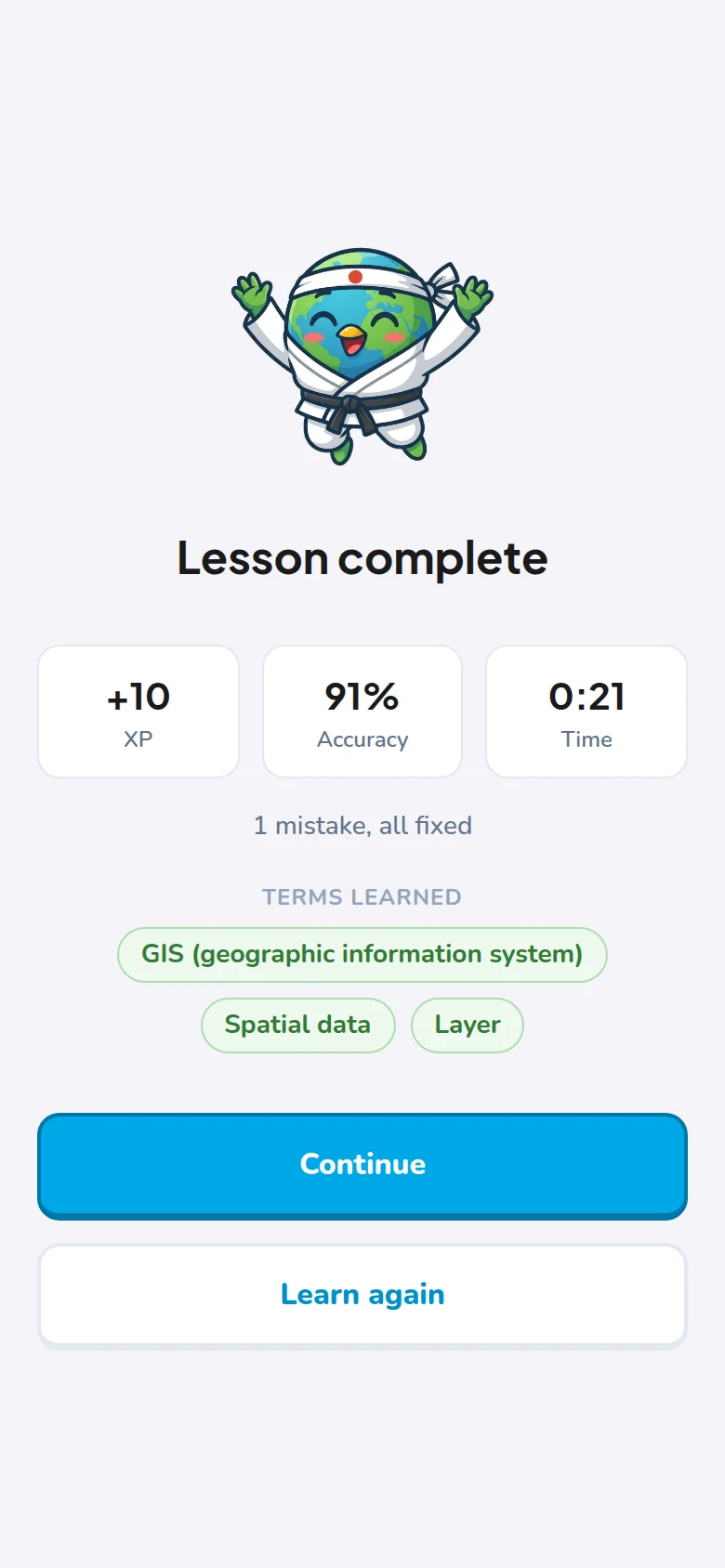
Mistakes come back until they stick, and spaced review brings each term back before you forget it.
The path
Belts, like a dojo. Each unit is a few short lessons, a practice round and a belt test. Already know a unit? Test out.
What GIS is · layers, features and attributes · latitude and longitude · scale · what a satellite sees · pixels and bands · raster and vector
Spatial resolution · panchromatic and multispectral · near-infrared · false colour · spectral signatures · NDVI
Coordinate systems · datums · map projections · UTM · EPSG codes · Web Mercator · reprojection
Georeferencing · ground control points · RMSE · elevation models · orthorectification · pansharpening
Spectral, radiometric and temporal resolution · hyperspectral · atmospheric correction
Classification · change detection · radar and lidar · file formats · and later, GeoAI
Why it works
Try it
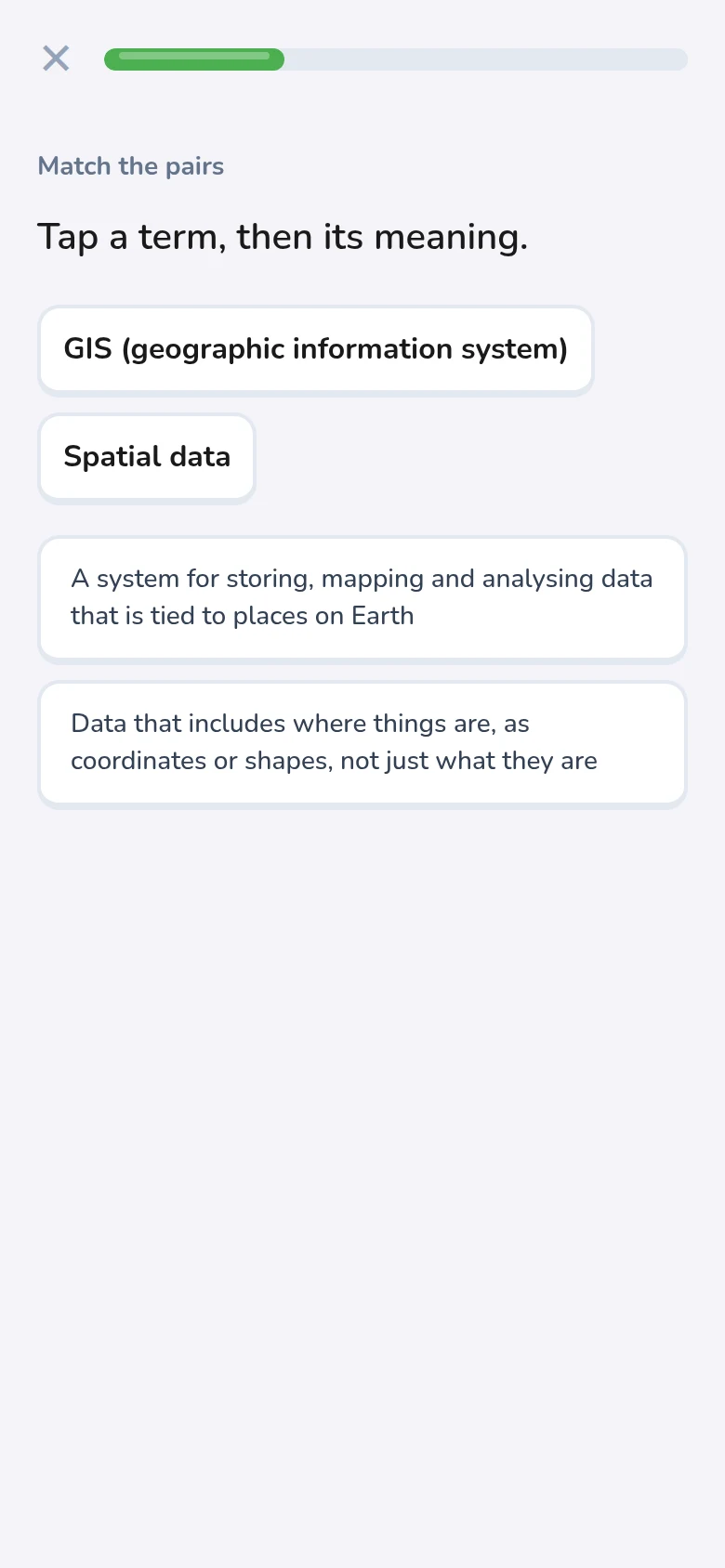
This is how a question feels in the app.
Choose the term
Data stored as a grid of cells, each holding a value, like the pixels of a photo. What is it?
Who it's for
Geography, geoinformatics or environmental science: the terms your courses assume you already know.
A clear, structured path into GIS, from the very first idea to the vocabulary of the job.
Test out of what you know, fill the gaps behind the tools you use, and get ready for interviews.
FAQ
No. The white belt starts from what GIS is and what a pixel is. If you already know the basics, a short placement check lets you skip ahead.
The course is free to learn. A paid Pro plan will come later with extras, like an AI tutor and applied challenges with real data. Cancelling will be as easy as subscribing.
We're building it now. Join the waitlist and you'll get one email when it opens.
Android and the web first. iPhone follows, starting with the web version.
Every card is written in our own words, checked against open sources, and reviewed by a working GIS analyst before it ships.