
Learn in five minutes
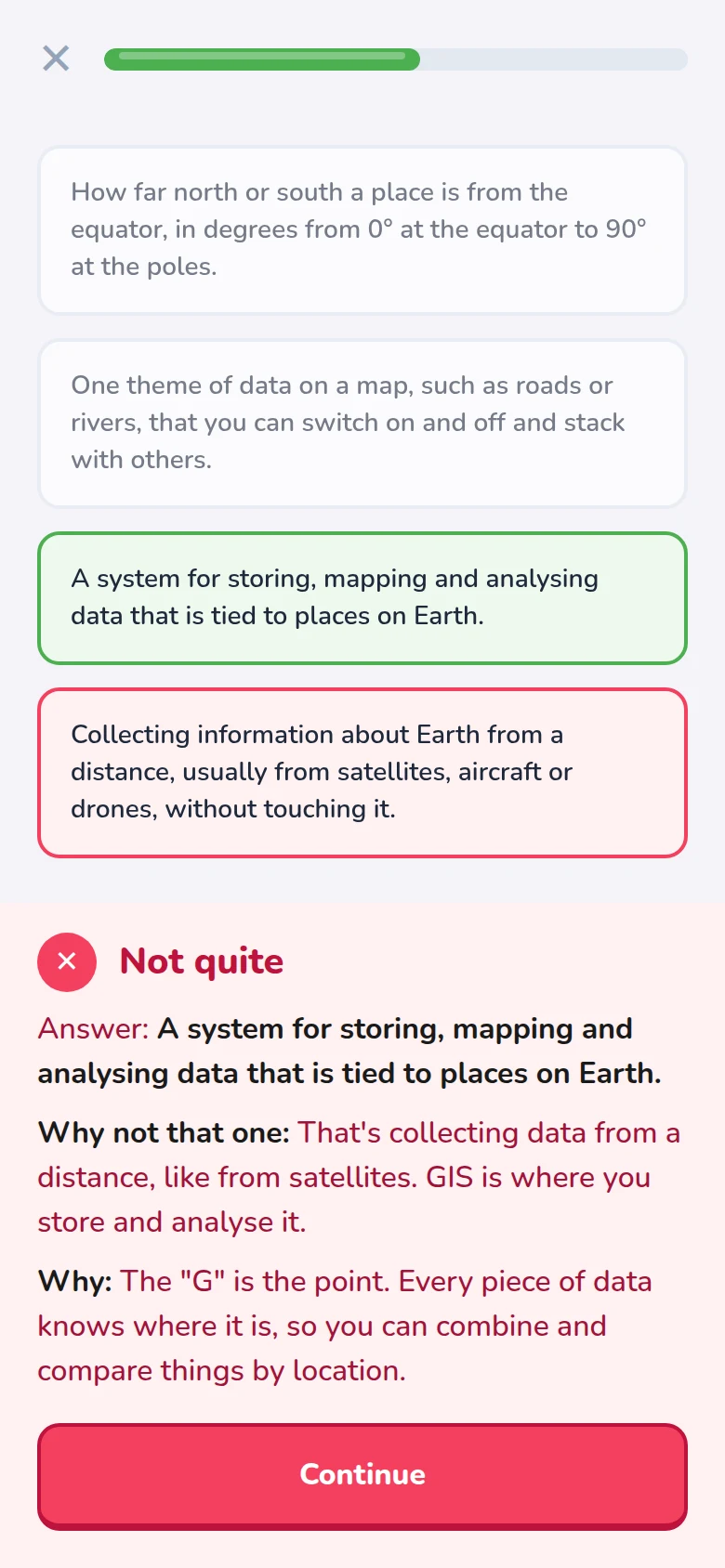
Three new terms a lesson, each with a diagram, and a reason after every answer.
Five-minute lessons, real satellite images, and belts you earn by exam. Like a language app, for reading the Earth.

Try a lesson
A real satellite view of Agra, taken by Sentinel-2 on 6 March 2026. The Yamuna bends past the Taj Mahal. Answer the way you would in the app: every answer tells you why.


Read the image
Why do the fields across the river glow bright red?
How it works
Three new terms a lesson, each with a diagram, and a reason after every answer.
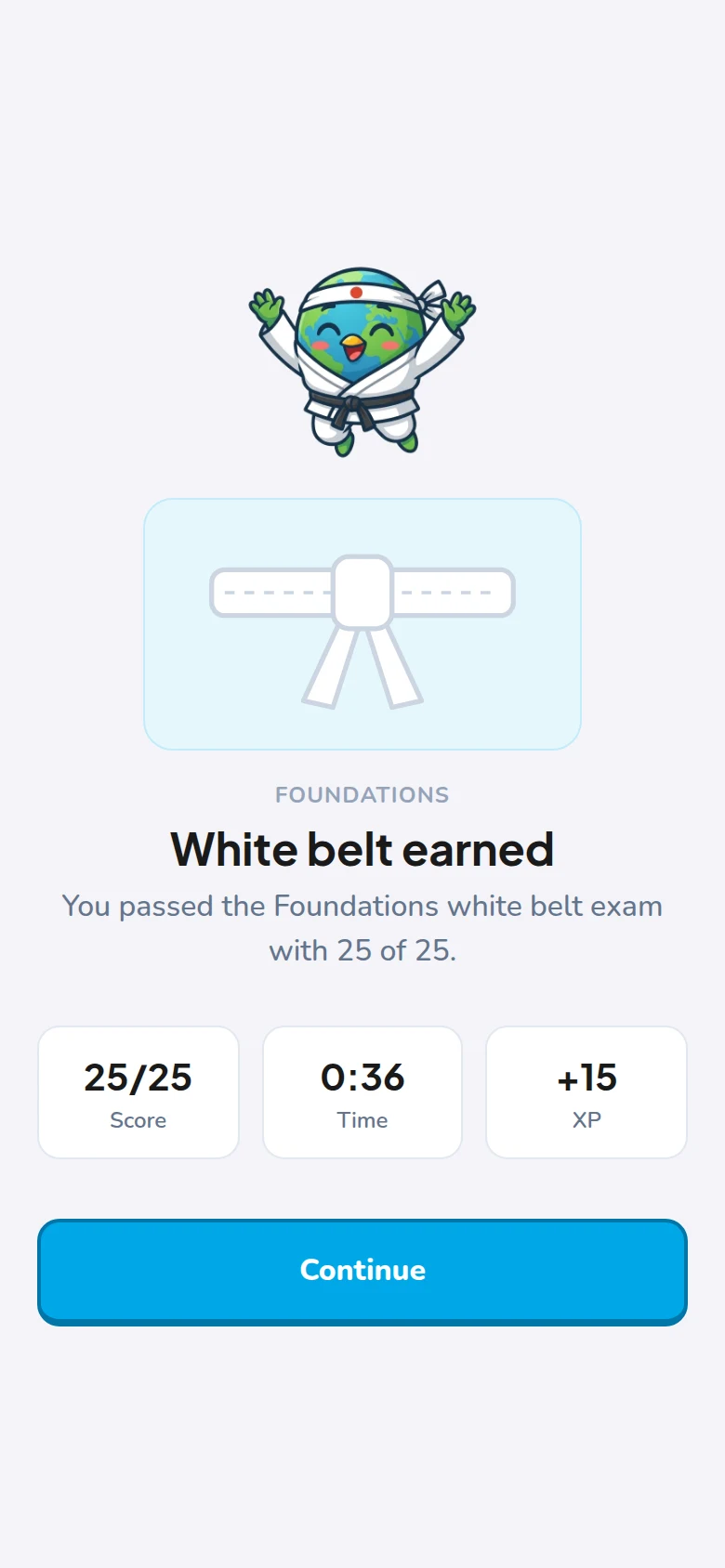
Lessons are training. A belt means passing a timed exam, no hints, 80% to pass.
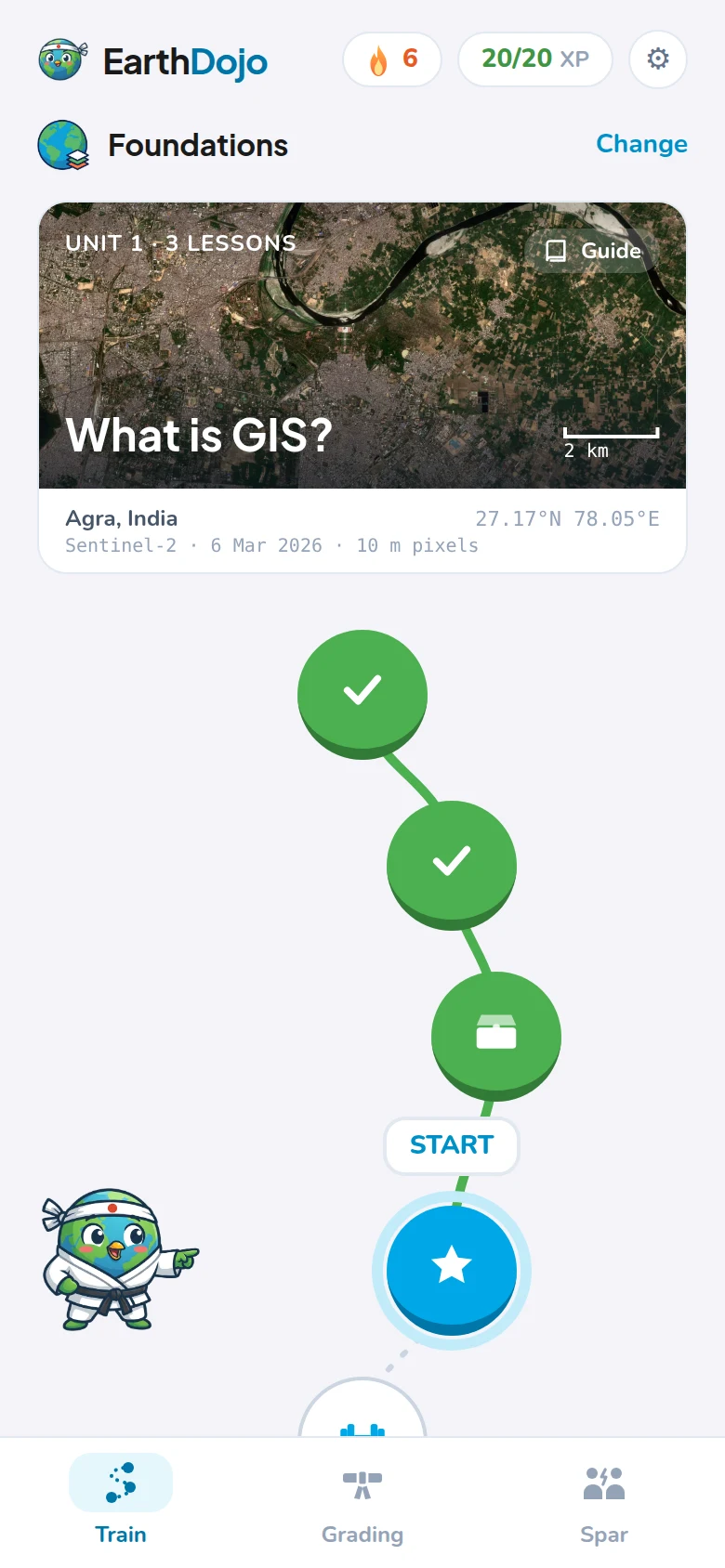
A daily streak and a gentle reminder. Terms come back just before you'd forget them.
What you'll learn
Start with the Foundations, then go deep where you need to. Each discipline has its own eight belts.
White belt: name it · Black belt: work a real case
 FoundationsStart here
 Seeing lightAt launch
 Where on EarthAt launch
 Image processingAt launch
 Map data
 Radar
Radar Elevation and 3D
 Spatial analysis
 Maps that work
 Code and platforms
 GeoAI
GeoAI In the field
Who's building it
GIS analyst · MSc Geoinformatics, University of Twente · Delhi
I've spent three years in GIS: crop insurance analytics, and GeoAI for site selection and renewable energy. Like a lot of people in this field, I learned most of it on the job. The work made sense; the exact terms and the reasons behind them took much longer.
EarthDojo is the app I wish I'd had: the words, the ideas and the "why", from the very first pixel, a few minutes a day. I review every lesson myself before it goes out.
Say hello on LinkedIn →FAQ
No. The Foundations start from what GIS is and what a pixel is. Already use GIS? A short check lets you skip them.
You don't get a belt for finishing lessons. Train a belt's units, then sit its exam: about 25 questions in 15 minutes, no hints, 80% to pass. Each discipline has its own belts, and your dojo rank counts them all.
The course is free to learn. A paid Pro plan will come later with extras, like an AI tutor and challenges with real data. Cancelling will be as easy as subscribing.
We're building it now: Android and the web first, iPhone after. Join the waitlist for one email when it opens.
Every lesson is written in our own words, checked against open sources, and reviewed by a working GIS analyst before it ships.
